New season 2026
Your world. Your rules.
Join the Minecraft Club community, explore the server, and unlock ranks and perks delivered automatically in-game.
Online
Server IP
game.minecraft-club.com
Quick Instruction
Follow these steps to purchase perks and receive them automatically on your Minecraft account.
- 01
Connect to the server.
- 02
Register your account.
- 03
Get your Minecraft login at the account page.
- 04
Go to the shop.
- 05
Add your desired perks to cart.
- 06
Complete payment.
- 07
In about 5 minutes, connect to the game and check perks on your account.
- 08
If you have any trouble, contact support with your account details.
Store Categories
Choose a category and find the right upgrade for your next adventure.
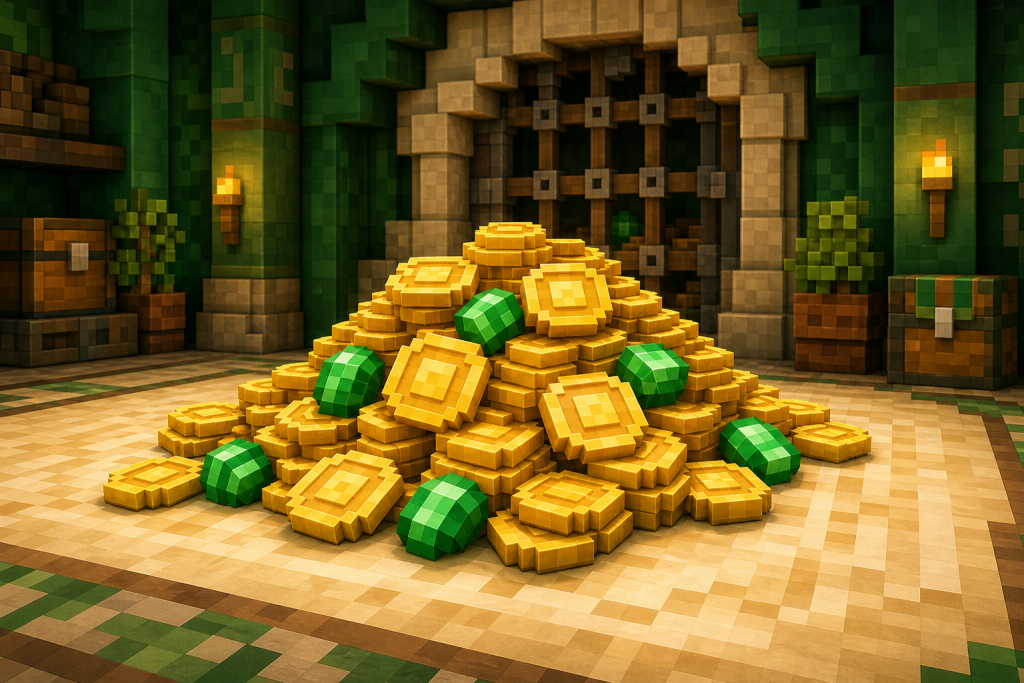
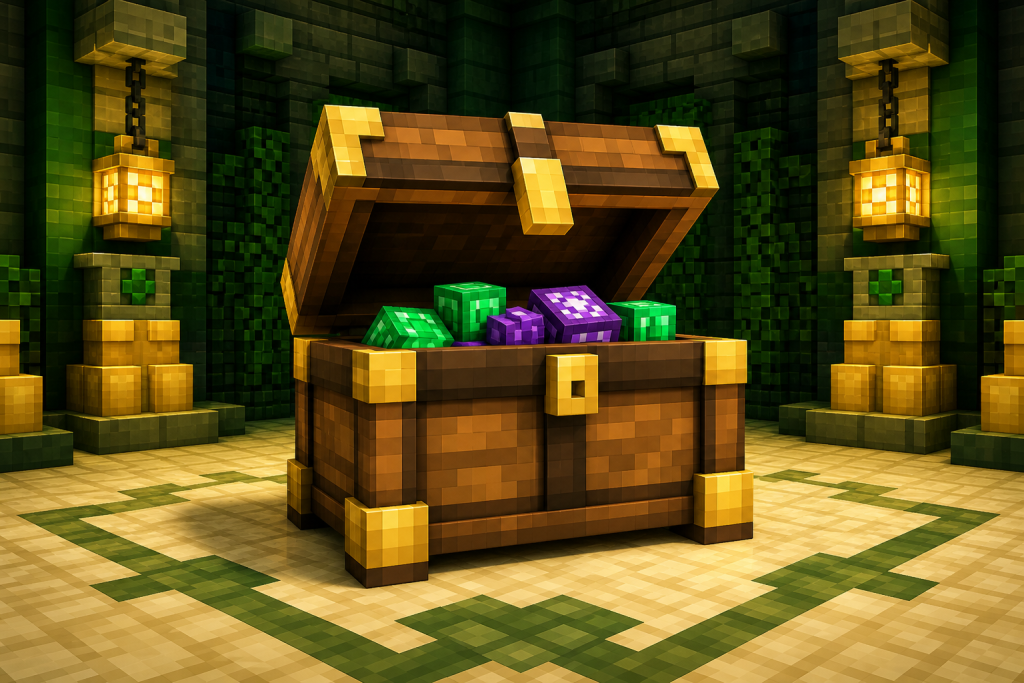
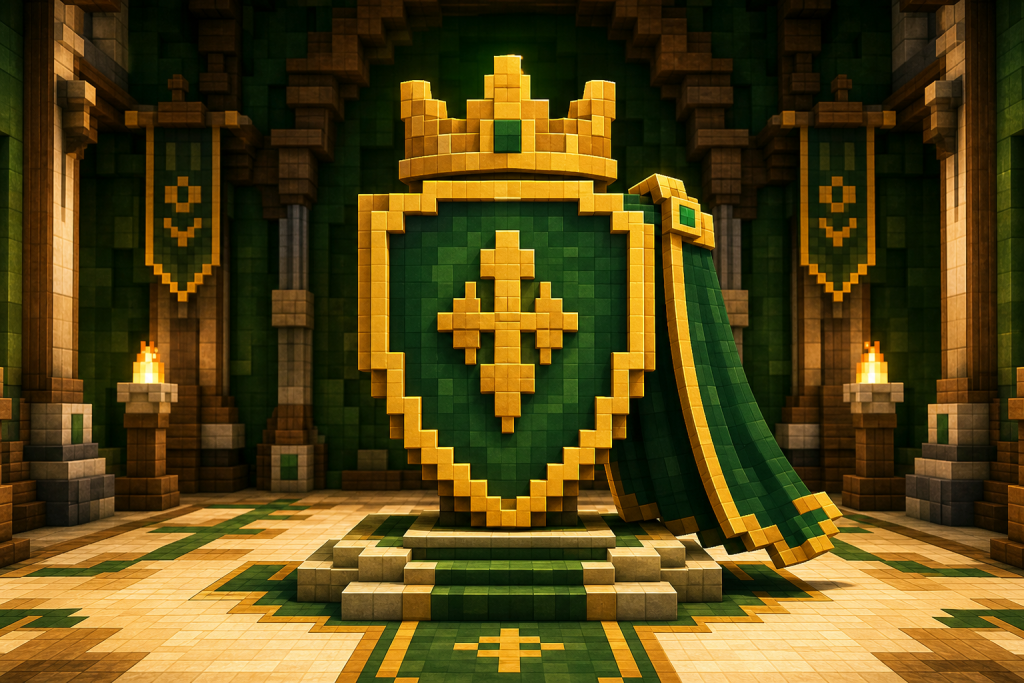
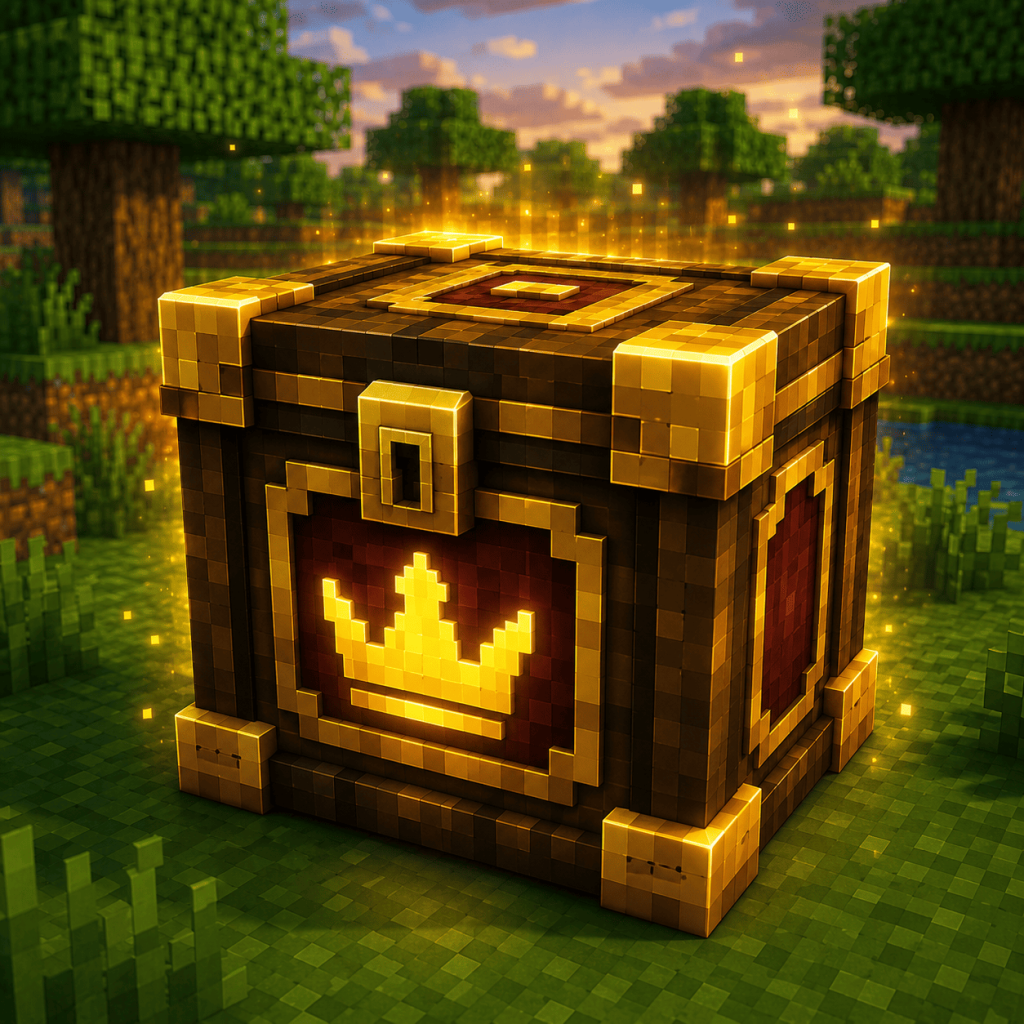
Minecraft Club Community
Join the server
Connect to the Minecraft Club network, explore the world, and play alongside the community.
Quick FAQ
Short answers to the questions players ask most often.
What can I buy in the store?
You can purchase premium ranks, crates, and in-game perks for your Minecraft Club account.
How are items delivered?
Items are delivered automatically to the Minecraft nickname entered at checkout after the order is successfully processed.
How long does delivery take?
Delivery is normally instant. During server maintenance or high load, processing can take a few minutes.
What information should I send to support?
Send your order number, email address, Minecraft nickname, and a short description of the problem. Never send your password.